Boost your readers’ engagement by enabling reactions for your liveblogs.
This allows them to respond to your posts in real time using emojis – quickly and effortlessly.
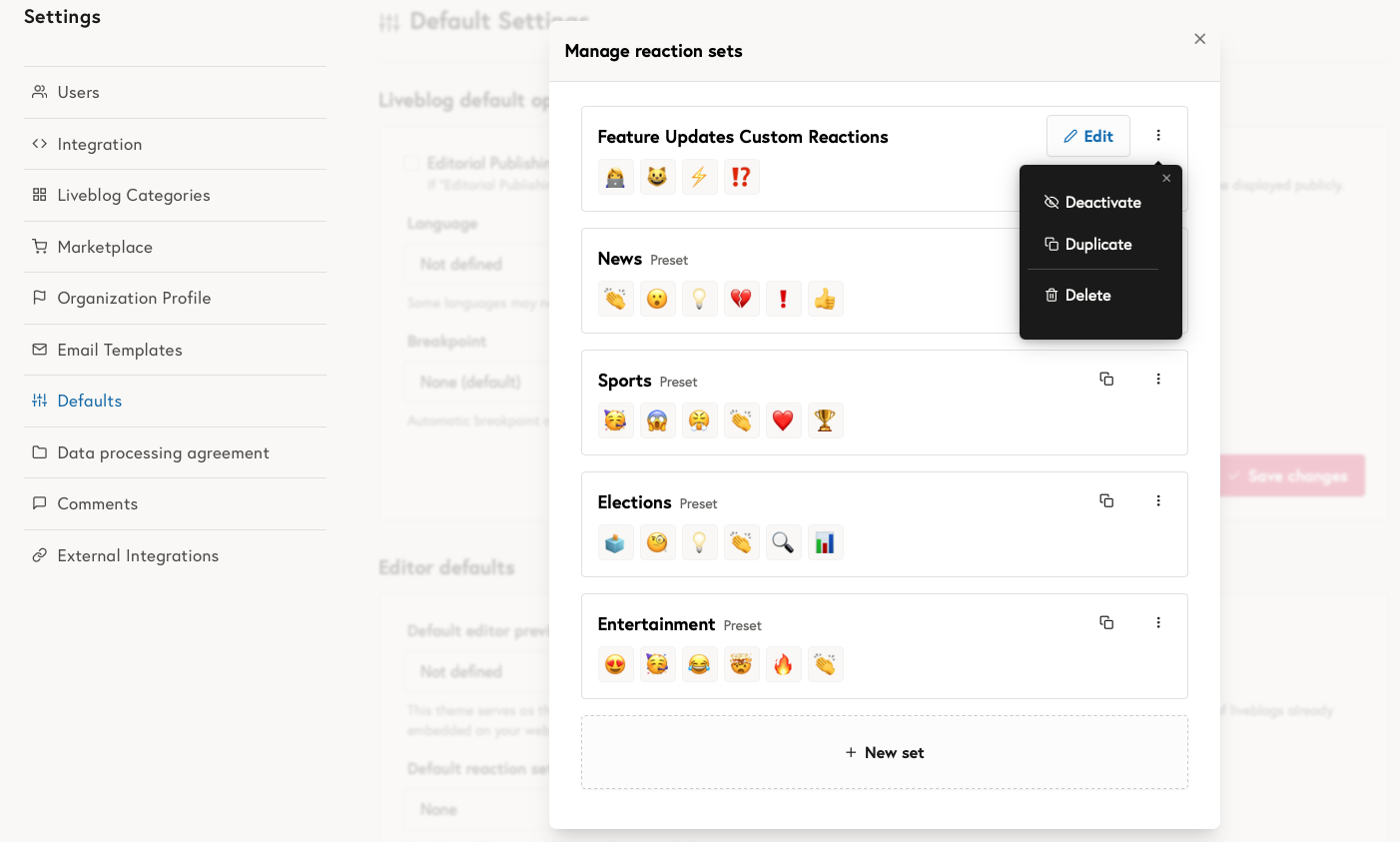
You can choose from four predefined emoji sets designed for different types of live coverage:
- News
- Sports
- Elections
- Entertainment
Alternatively, you can create your own custom reaction set with up to six emojis. Custom emoji sets can be edited, archived, or deleted, giving you full control over the reactions available to your readers.
Managing reaction sets
Reaction sets can be managed by organization admins. Admins can create new custom sets and manage existing ones, including editing, archiving, or deleting them.
Enabling reactions for a liveblog
Reactions can be enabled or disabled for each liveblog individually. You can select the desired reaction set when creating a liveblog or change it later under Settings → Options.
This feature is available for all organizations. If you don’t see the reactions option in your settings, just reach out to us and we’ll activate it for you.